
Making Digital Efficiency Work for You





Written by: David Carneal – Digital Efficiency Consulting Group – DECG
Read Time: 3 min
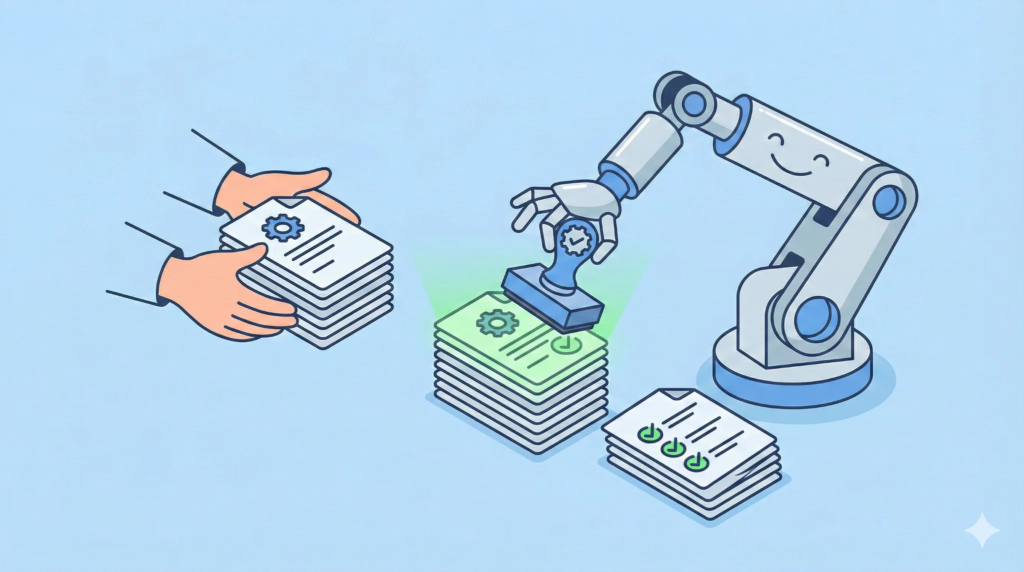
Automation works best when it removes the dull, repeatable stuff that keeps humans from doing the work humans are good at. If a task is rules-based, frequent, and low-risk, it’s basically begging to be automated.
The goal isn’t “automate everything.” The goal is “stop paying human attention to tasks that don’t require human judgment.” That’s how you free time without burning out the team.
Great First Targets
These are classic candidates because they repeat constantly and usually follow predictable rules:
- Data entry
- Status updates
- Notifications
- Simple approvals
The Automation Ladder
Not every automation needs AI. Often, the simplest rung wins:
- Templates and standard forms (reduce variation).
- Rules and validations (prevent bad inputs).
- Scripts and workflow triggers (move work automatically).
- Integrations (sync systems so people stop retyping).
- AI assistance (only when judgment is needed and risk is controlled).
Automation Triage (Score It 1–3)
Pick one task and score each category. Higher total means better automation candidate.
- Frequency
- 1 = monthly, 2 = weekly, 3 = daily (or worse)
- Rules clarity
- 1 = judgment-heavy, 2 = some rules, 3 = clear if/then logic
- Risk
- 1 = high impact mistakes, 2 = moderate, 3 = low-risk or easily reversible
- Effort
- 1 = seconds, 2 = minutes, 3 = lots of clicks / copy-paste / searching
Watch For These Automation Traps
- Automating a broken process (you’ll just get broken results faster).
- No owner for exceptions (edge cases will pile up and quietly burn you).
- Lack of a rollback plan (always know how to undo the change).
- Automations that create new manual work somewhere else.
- Bad data feeding the automation (garbage in, fast garbage out).
Pilot Checklist
- Define success (time saved, errors reduced, fewer handoffs).
- Document the exception path (what happens on weird days).
- Set a review date (two weeks is a good start).
- Write down how to roll back if needed.
Start small. Prove value. Then expand. That’s how you avoid the “we automated everything and now nobody knows why” era.
Prerequisites (So the Automation Doesn’t Fall Over)
- A clear definition of “done” for the task.
- Required fields and basic validations (so bad inputs don’t spread).
- One owner for exceptions and edge cases.
- A simple log or notification when the automation runs (so it isn’t invisible).
Automation Candidate Examples
- Status updates
- Auto-send updates when a job changes stage instead of manual emails.
- Approvals
- Auto-approve low-dollar or low-risk items; route the rest with a single click.
- Data capture
- Use one form to collect data once, then populate downstream systems.
If you’re not sure where to start, look for the places where people copy, paste, and pray. Those are usually your best early wins.
Measure the Impact (Keep It Honest)
Automation should pay rent. Track one or two simple metrics so you know it worked:
- Minutes saved per transaction (or per week).
- Error rate before vs after.
- Number of handoffs reduced (if the automation reroutes work).
If the numbers don’t move, that’s not failure. That’s information. Adjust the process, tighten the rules, or pick a better candidate.
CTA: Pick one low-risk task and run a two-week pilot. Automate it, track time saved and error reduction, then document the “exception path” so the process still works on weird days.
Leave a Reply